
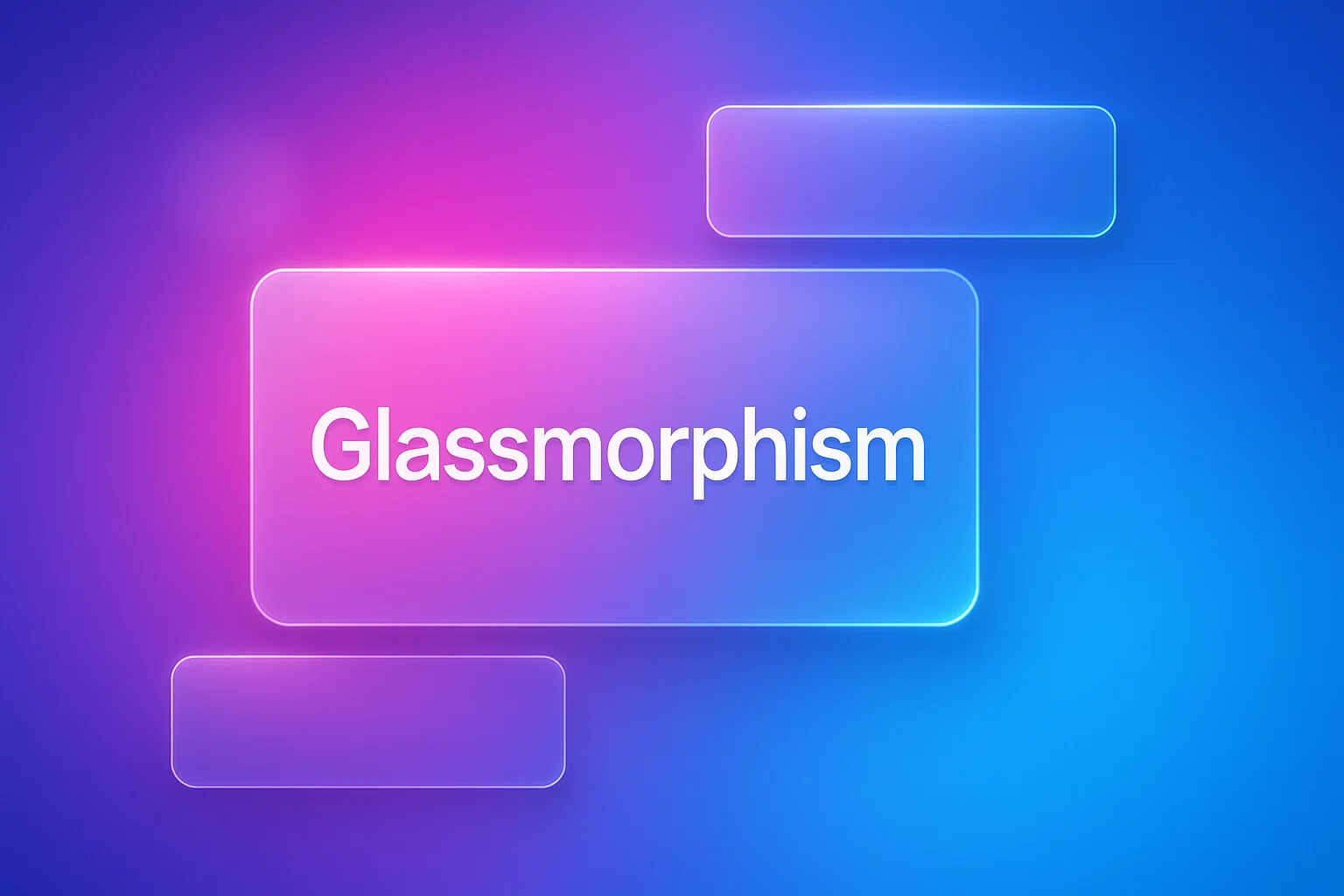
Once a relic of early iOS interfaces, the “frosted glass” look is back, and sharper than ever. Glassmorphism isn’t just a visual gimmick; it’s a design language rooted in transparency, depth, and light. From macOS Big Sur to Windows 11, and even modern web apps, designers are once again embracing translucent surfaces to build interfaces that feel both futuristic and human.
What Is it?
Glassmorphism is a UI design style that uses transparency, blur, and layered color to simulate the appearance of frosted or translucent glass. It’s part of a broader return to tactile digital design, adding dimension and softness back into minimal interfaces.
The main ingredients are:
- Transparency: usually via semi-opaque backgrounds (
rgba()orhsla()colors). - Blur: typically applied using the CSS
backdrop-filterproperty. - Layering: subtle shadows and borders separate the “glass” from what’s behind it.
- Color: vivid gradients or bright backgrounds enhance the illusion of depth.
Think of it as the visual opposite of flat design, it invites light, space, and atmosphere back into the interface.
Why It Works
Beyond aesthetics, Glassmorphism provides several usability and UX benefits:
- Depth and Hierarchy: Soft transparency naturally establishes layers of importance without harsh dividers.
- Focus: Blurred backgrounds help isolate key UI components while maintaining contextual awareness.
- Calm, Premium Feel: The aesthetic evokes clarity, smoothness, and modern precision—qualities users associate with quality design.
When used intentionally, it guides attention while maintaining harmony between interface elements.
Use It Responsibly
Like all visual trends, Glassmorphism can easily become overdone. Keep these principles in mind:
- Accessibility first. Ensure enough color contrast between foreground text and translucent backgrounds. Avoid ultra-light overlays on busy images.
- Moderation matters. Don’t blur everything, reserve the effect for cards, modals, or navigation areas that need separation.
- Watch performance. The
backdrop-filterproperty is GPU-intensive. Use it sparingly on lower-powered devices. - Fallbacks count. Some browsers (especially Firefox) still don’t fully support
backdrop-filter. Provide solid color fallbacks or slightly opaque backgrounds.
The beauty of Glassmorphism lies in restraint. It should enhance clarity, not distract from it.
How to Create Glassmorphism in CSS
Here’s a simple code example that captures the effect:
.glass {
  background: rgba(255, 255, 255, 0.15);
  backdrop-filter: blur(10px);
  border-radius: 12px;
  border: 1px solid rgba(255, 255, 255, 0.3);
  box-shadow: 0 4px 30px rgba(0, 0, 0, 0.1);
}
This snippet creates a frosted glass panel effect with a light blur and semi-transparent border.
Use a vibrant background image or gradient behind it for maximum impact:
body {
  background: linear-gradient(135deg, #f09, #3023ae);
}
Where It’s Headed
Glassmorphism is part of a larger movement toward soft realism, a hybrid design philosophy that balances minimalism with tactile richness. As digital experiences move toward spatial and immersive interfaces, depth and layering will only grow more important.
We’re already seeing early experiments that combine Glassmorphism with motion blur, parallax, and 3D transforms, creating subtle depth without overloading the senses.
What now?
Glassmorphism represents more than a passing trend, it’s a reflection of how designers are reintroducing depth and emotion into digital interfaces. The key is balance: clarity without clutter, transparency without chaos.
Try it on one key component of your next design, maybe a modal, navigation bar, or card, and notice how it changes the visual rhythm of the page.
Want to Showcase Your Work?
Have you used Glassmorphism in a recent project?
Submit it to our gallery at UnmatchedStyle.com/submit and let’s feature your design in our next showcase.


0 Comments