
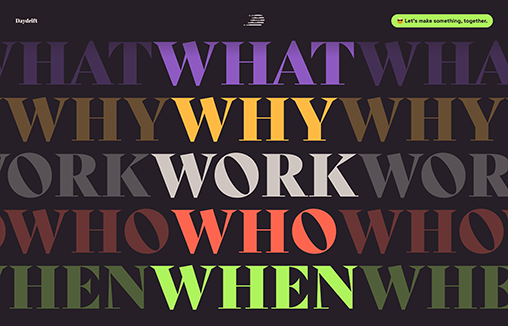
The site’s approach is to incorporate animations in an engaging way, bold colors, and a sleek flow in order to show the joy and expertise that Daydrift wants to provide its clients. Design is diverse. Daydrift approaches design as a developing system of improvement.

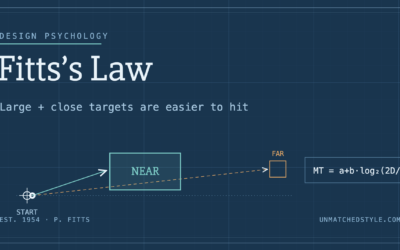
Fitts’s Law: Why the Easy Button Wins
Large, close targets are faster to hit than small, distant ones, that’s Fitts’s Law. A look at the 1954 rule behind buttons, prime and magic pixels, thumb zones, and dark patterns.
Visually I think this looks fun but UX/UI looks a bit poor.
The ‘Why’ section locks the user in [unless you ask them to use the scrollbar on the desktop] into having to scroll through each of the x4 options before they can actually continue any further down the page.
The desktop also scrolls to the right which means the development hasn’t been QA’d. The site isn’t secure [SSL] and as a user, it’s frustrating that the work examples don’t open up for me to view more – so the showcase of the work all sits on a few small thumbnails.
Would love to see some more examples of great UI/UX sites.